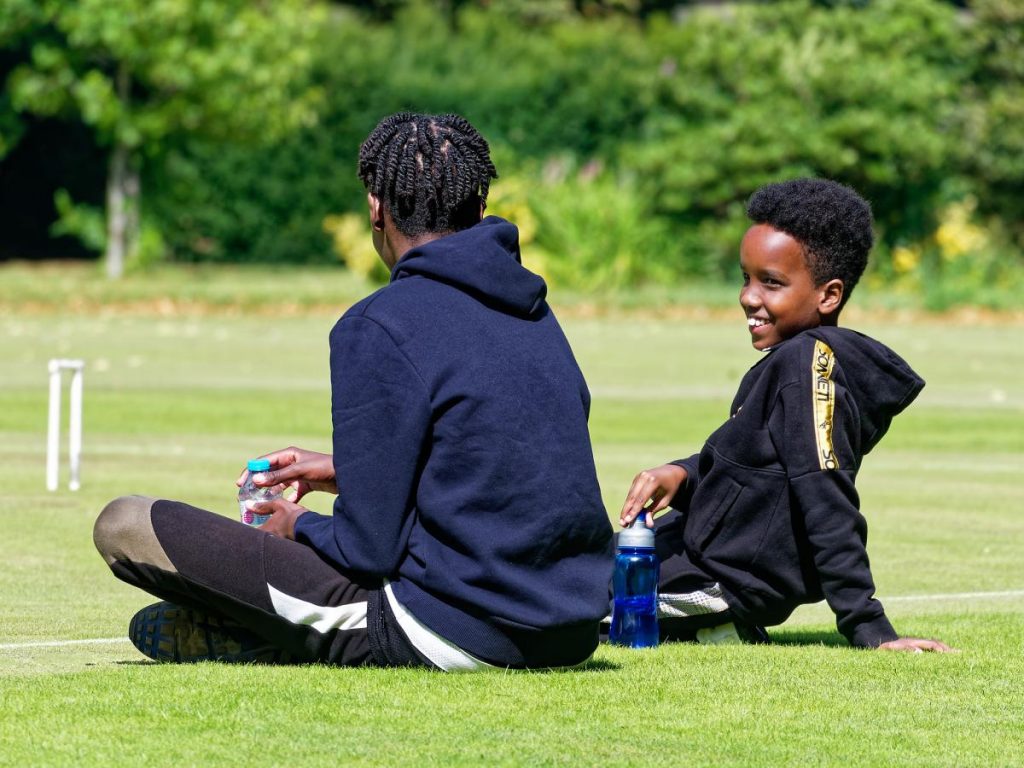
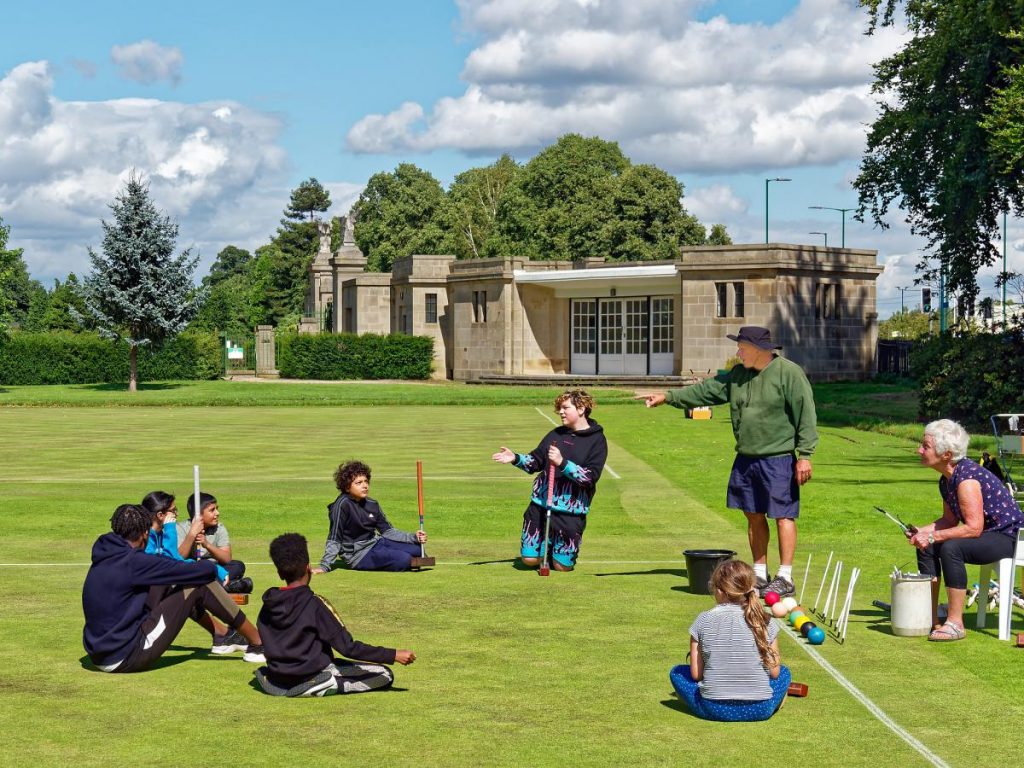
Juniors


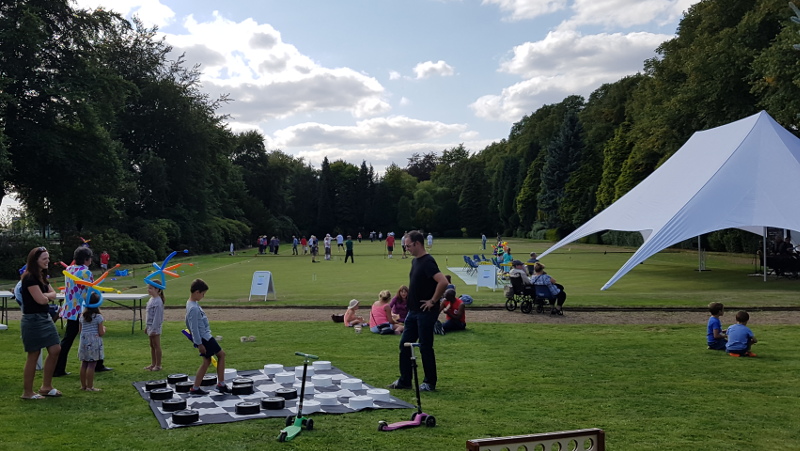
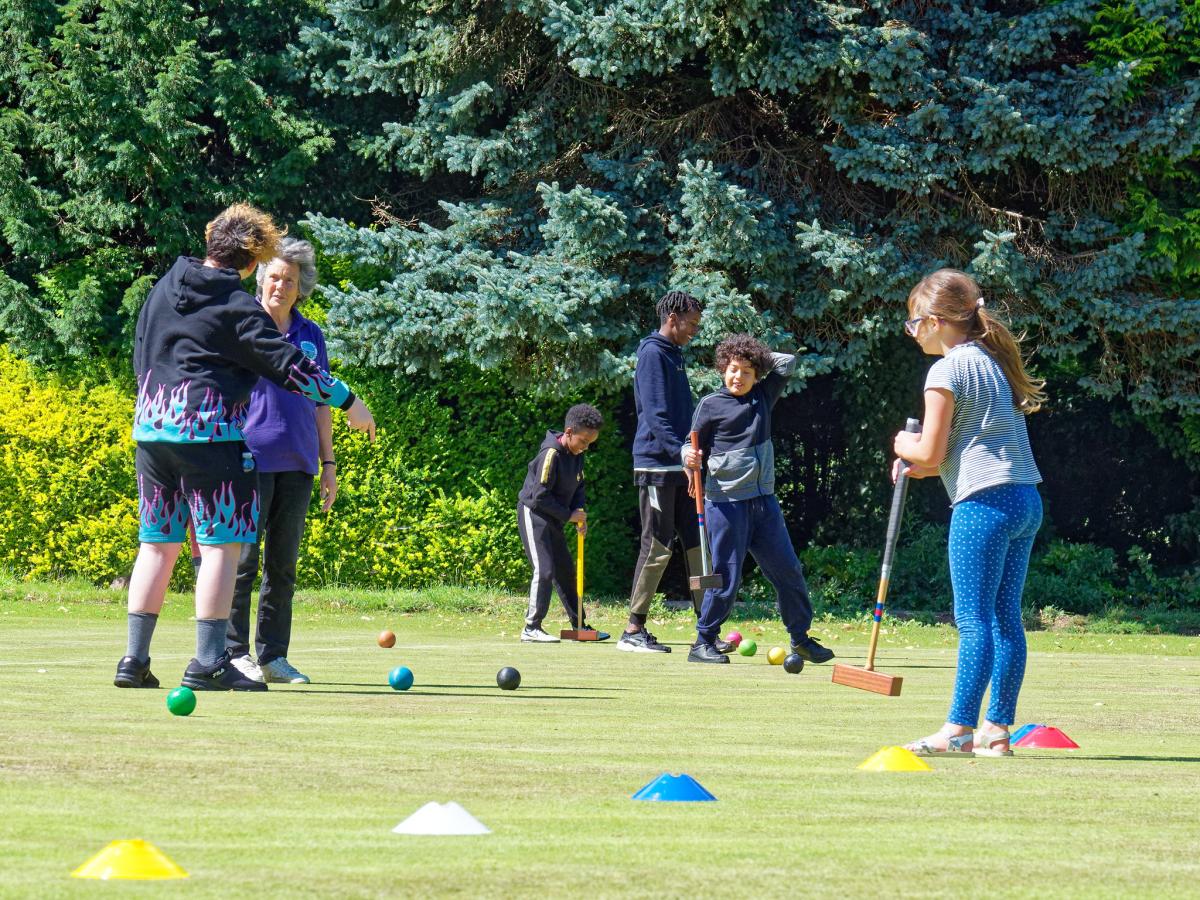
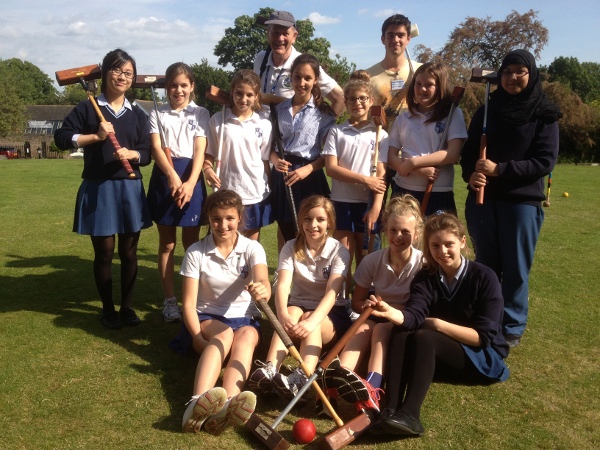
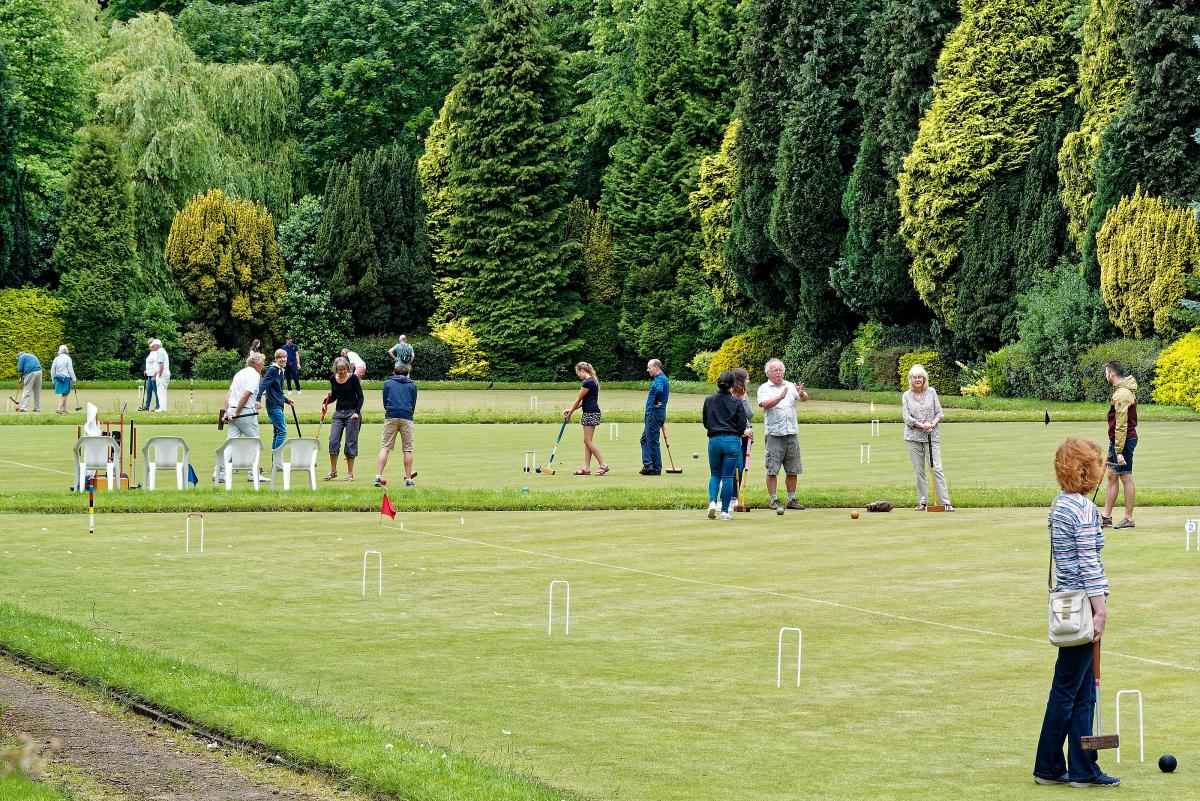
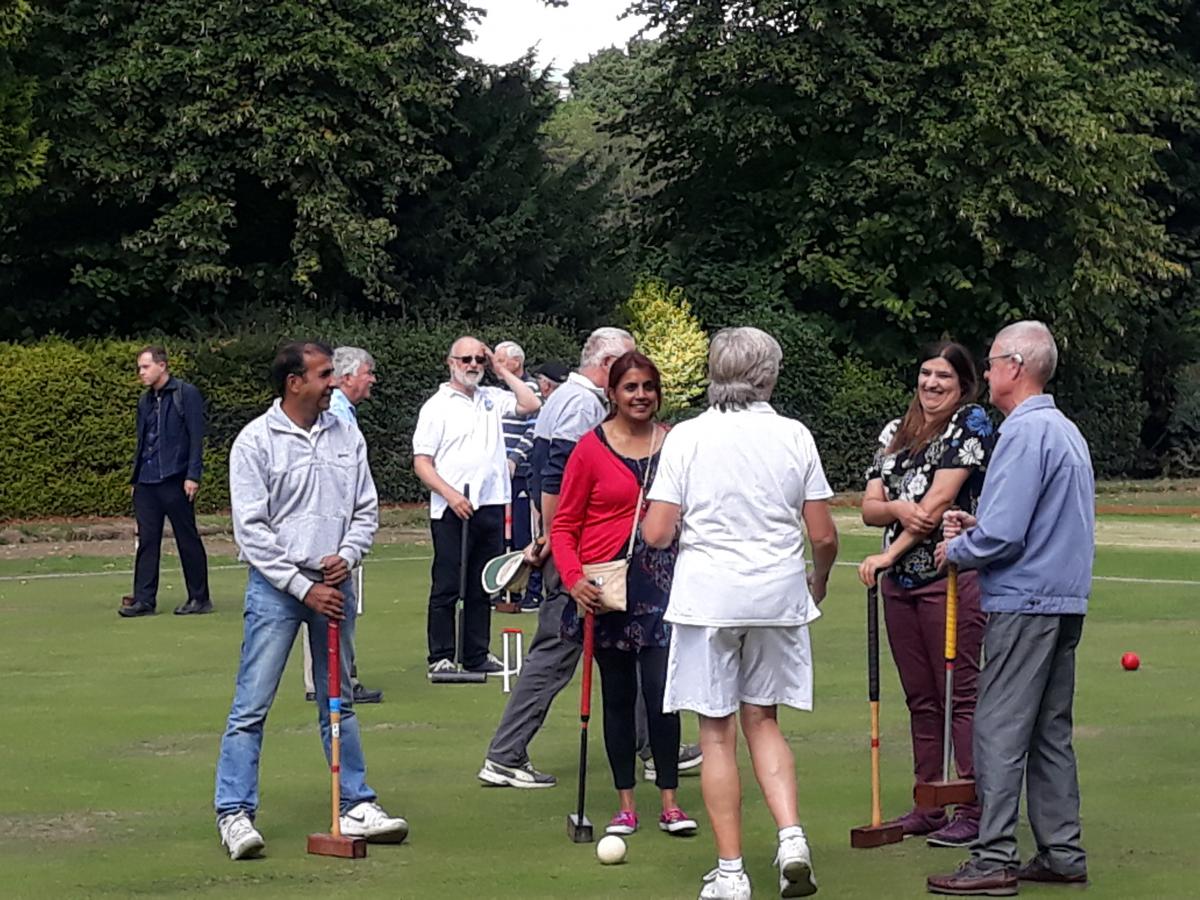
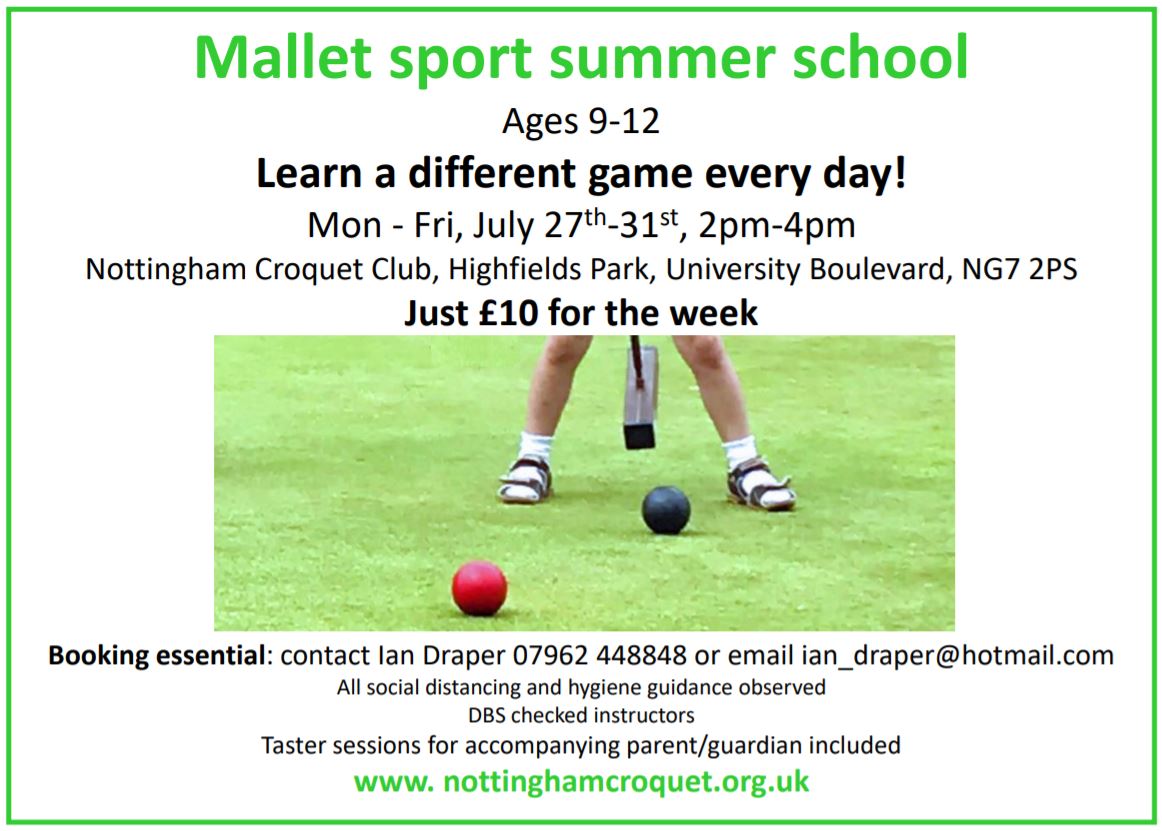
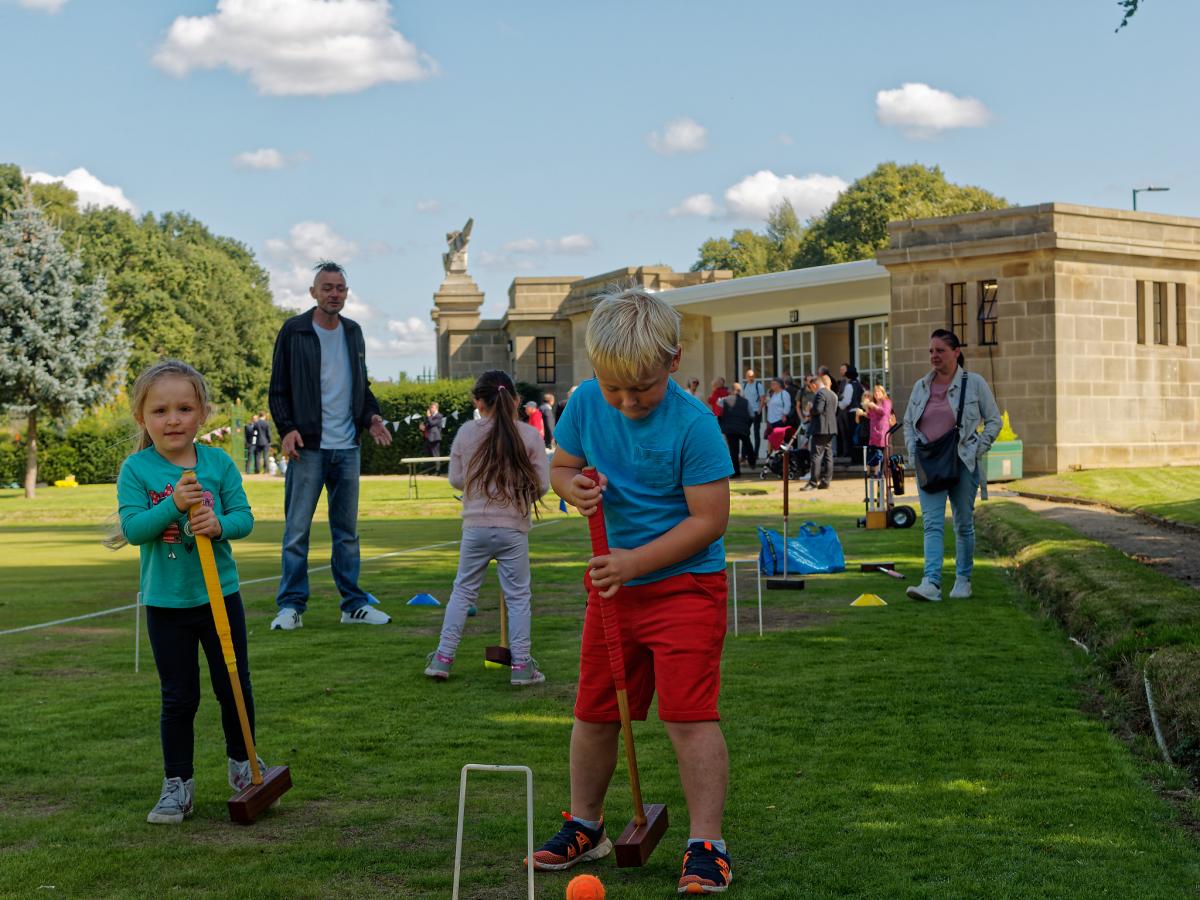
We have a thriving Juniors programme, thanks largely to the initiative, effort and leadership of Ian Draper and his strong team of volunteers. The junior membership starts at age 7.

All activities involving children are supervised by DBS-certified club members. Parents, guardians, teachers etc are very welcome to attend (and may be offered an opportunity to have a go themselves!) Our policies page includes details of our safeguarding policy and safeguarding officer. We respect privacy and do not take or publish photos including recognisable children without explicit permission of a parent or guardian and the willingness of the individual(s).

Junior Club

Every Wednesday after school, from 4.15pm – 6.00pm.

National Schools, Clubs and Juniors GC Championships

These events, open to all Juniors under 18, will take place at Nottingham on Saturday 20th and Sunday 21st June 2026.

 

Image gallery

Page (not on any live menu) created by Rob to display most of the useful-looking photos on the site as at 19/2/2021, for use by whoever is editing the site. (This is because there's no useful photo browse facility, and no faciltiies to organise photos into albums nor even to give them meaningful names). They are in alphabetical order of name. There were over 200 on the database; this selection is about a third of them. Hopefully this will help find existing photos for new pages, rather than unnecessarily loading more – perhaps duplicates or near duplicates. You can find the name of a photo by right clicking on it (with this page open in edit mode) and then selecting "image properties". Oddly, the pop up menu when you right click on an image when not in edit mode is very different, and contains some useful-looking features, but I haven't the time to onvestigate, and am not convinced they'd work well. 
I'm going to create a new page – images2021 – to keep any useful photos loaded to the site since 19/2/2021.

>>>>> Another weird feature of Drupal. If you have a photo on a page and specify one dimension of size (e.g. height) explicitly, but have the padlock symbol closed to presevre the aspect ratio, then the other dimension of size (width in this case) adjusts automatically to preseve the aspect ratio, as you'd hope. BUT when the user resizes the screen / window or views it on another device, the aspect ration changes horribly.  If instead you have an image with the height and width fields blank (unchanged) then the aspect ratio is preserved even when you resize the screen. VERY VERY NASTY.   <<<<<